Use the dashboard
Updated
The dashboard shows every run on this machine, lets you answer the requests Tego holds for you, and stops a run. It runs on your own machine, and only you can open it.
On this page
Start it
In a plain terminal, as yourself (never with sudo, and not from inside a tego run):
tego serve --openOutput
Tego dashboard: http://127.0.0.1:8484/?t=0ab4c708b2775be17e4d67f247ea774b
  ledger: /home/dana/.tego/runs (from default), 1 run
  chains: checked against /home/dana/.tego/chain.log
It opens your browser, signed in. To open it in another browser, use the printed link with its token, not the bare address. If port 8484 is busy, pass --addr 127.0.0.1:<port>. Ctrl-C stops it.
What each page shows
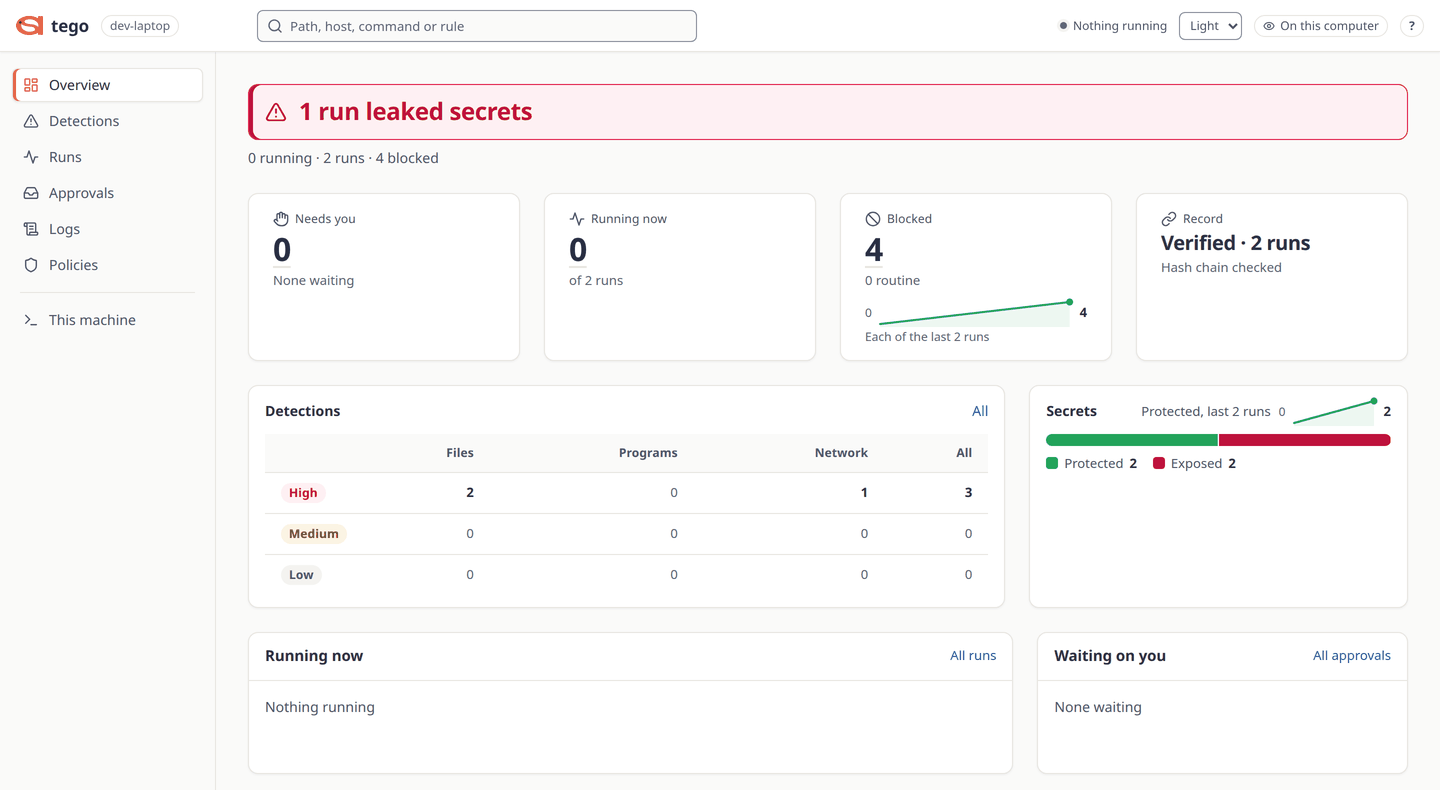
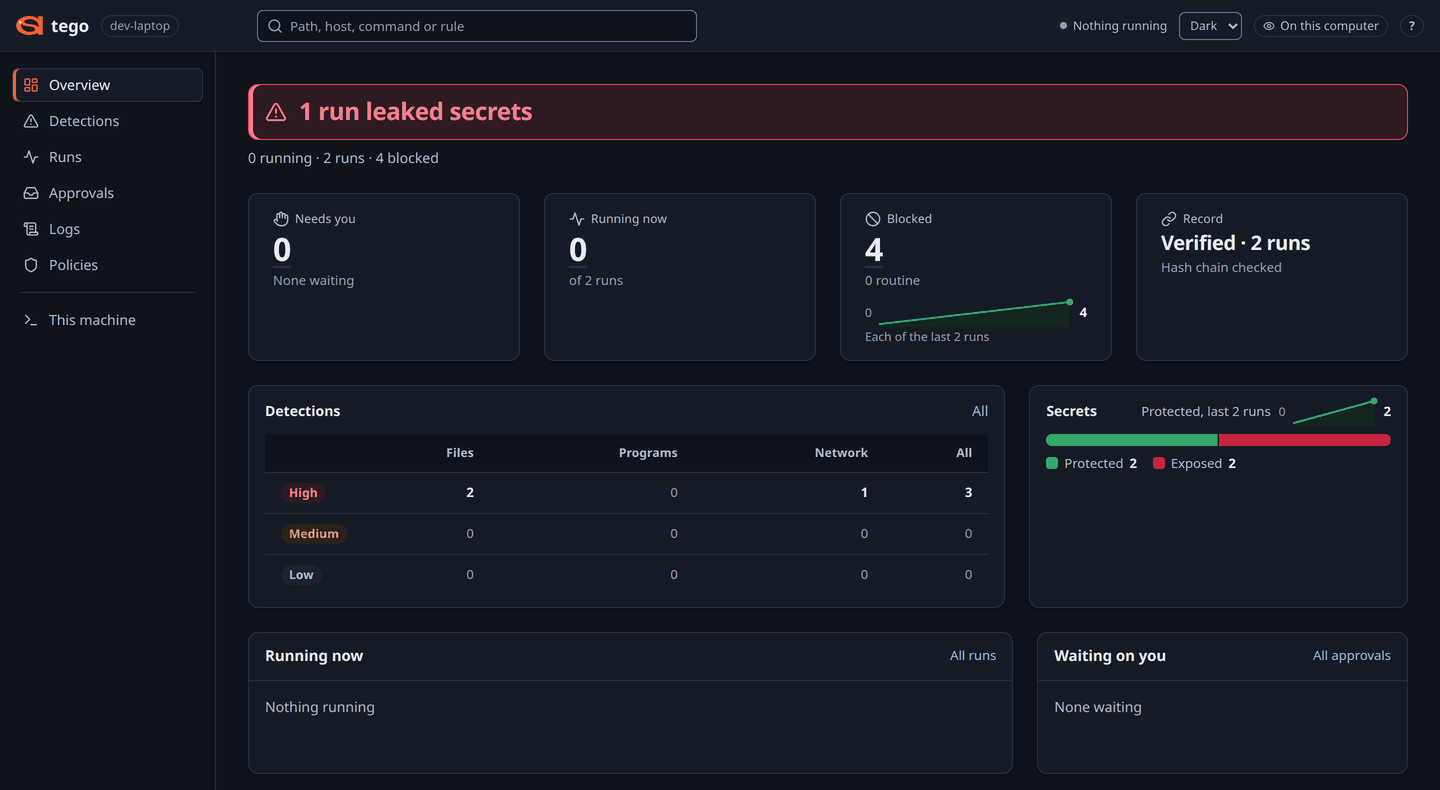
- Overview: what needs you first, then approvals waiting, runs running now, blocked actions and the record check.
- Detections: every blocked action that matters, High first, filtered by severity and by files, programs or network.
- Runs: every run, running ones first, with its status, secrets verdict and protection level.
- A run: its verdict sentence and the tabs Timeline, Blocked, Processes, Receipt, Tighten (the smallest change to its rules) and Unused (rules it was granted and never used).
- Logs: every line across every run, with search, filters and CSV download.
- Compare: two runs side by side, for example the same agent watched and enforced.
- Contracts: a run's rules in plain sentences, and New contract, which writes an
agent.yamlfrom presets or from a finished run. - This machine: the protection levels this machine offers.
- Approvals: requests waiting for your answer.
The product tour walks through the pages.
Answer held requests
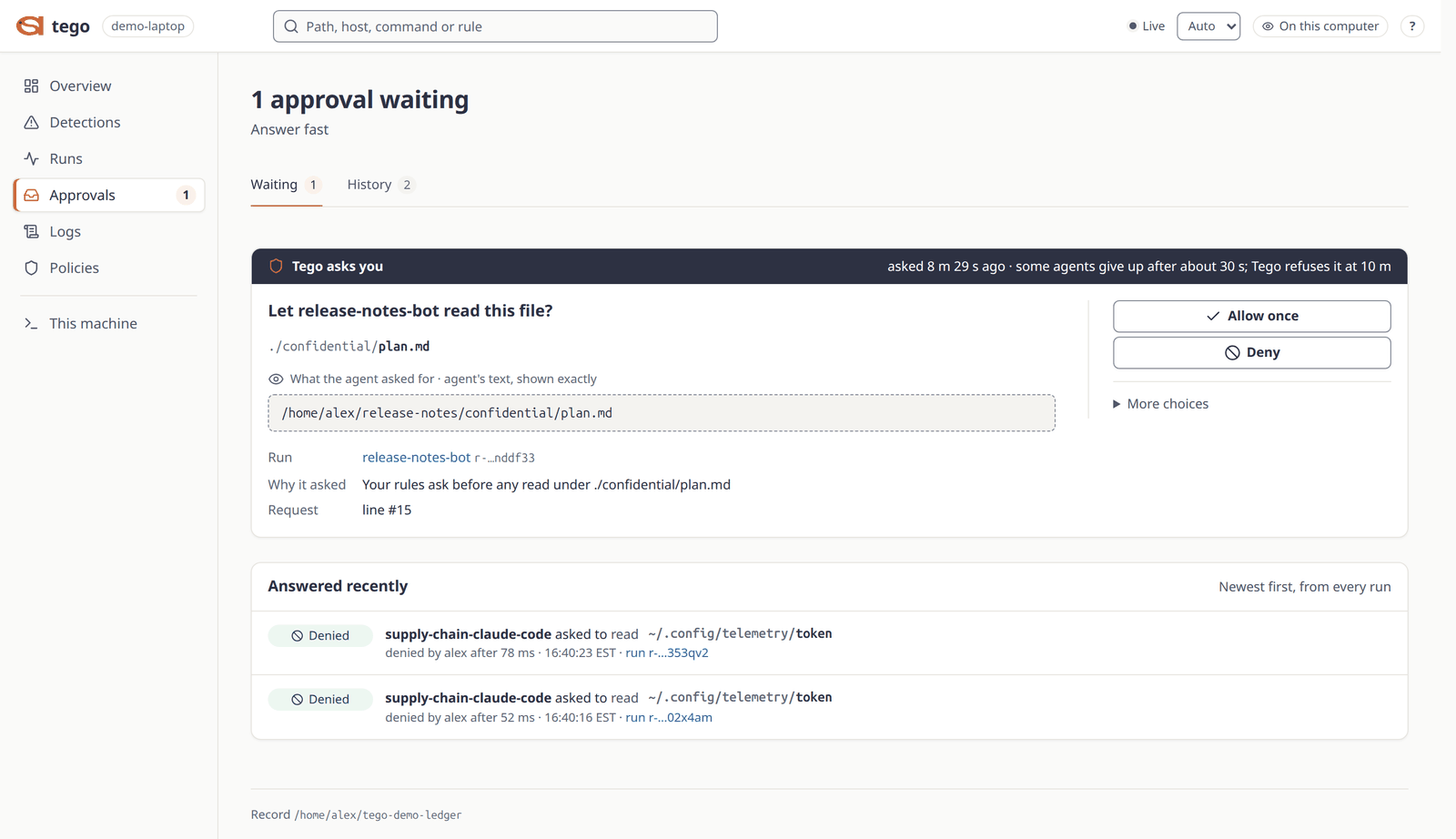
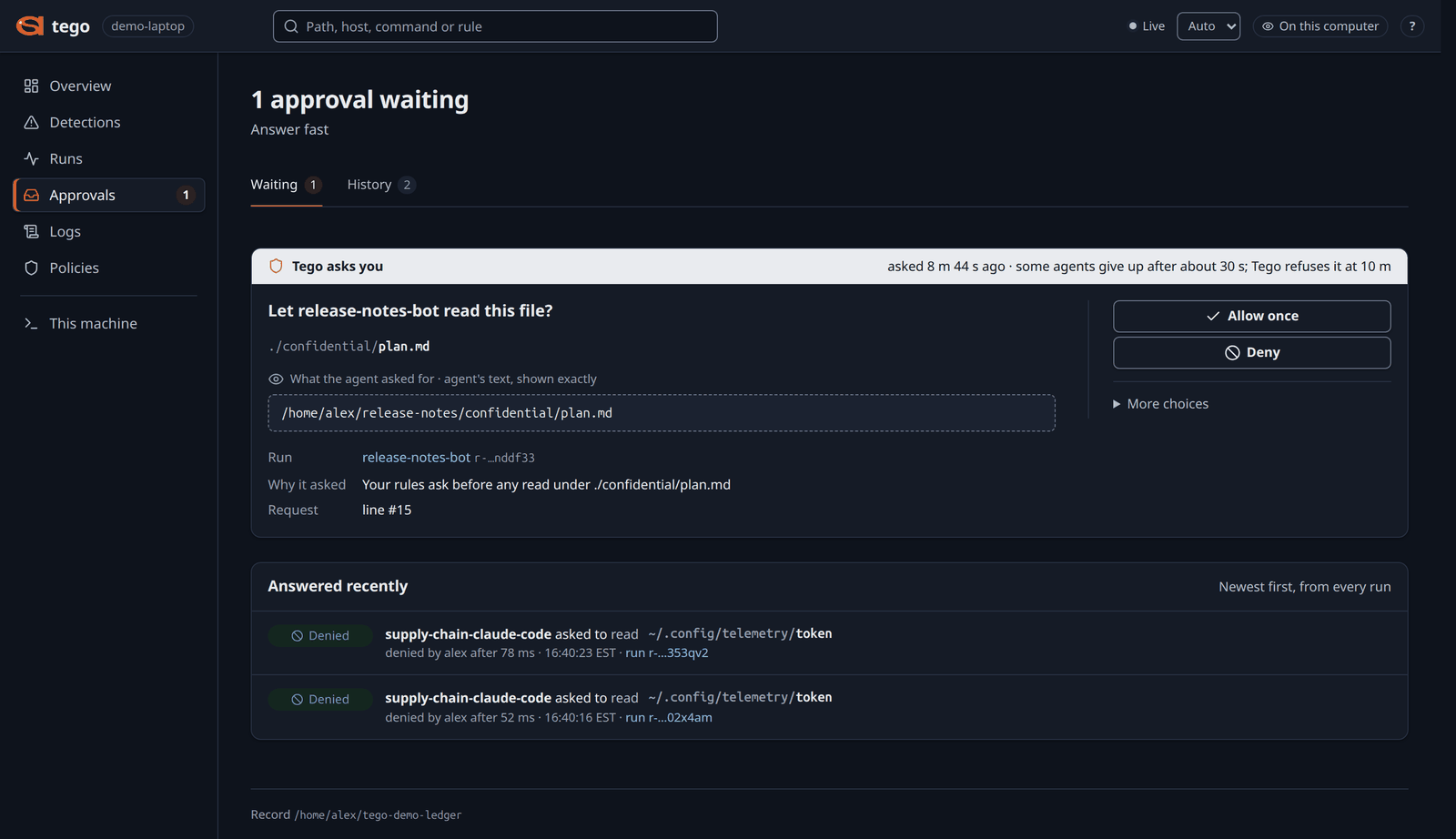
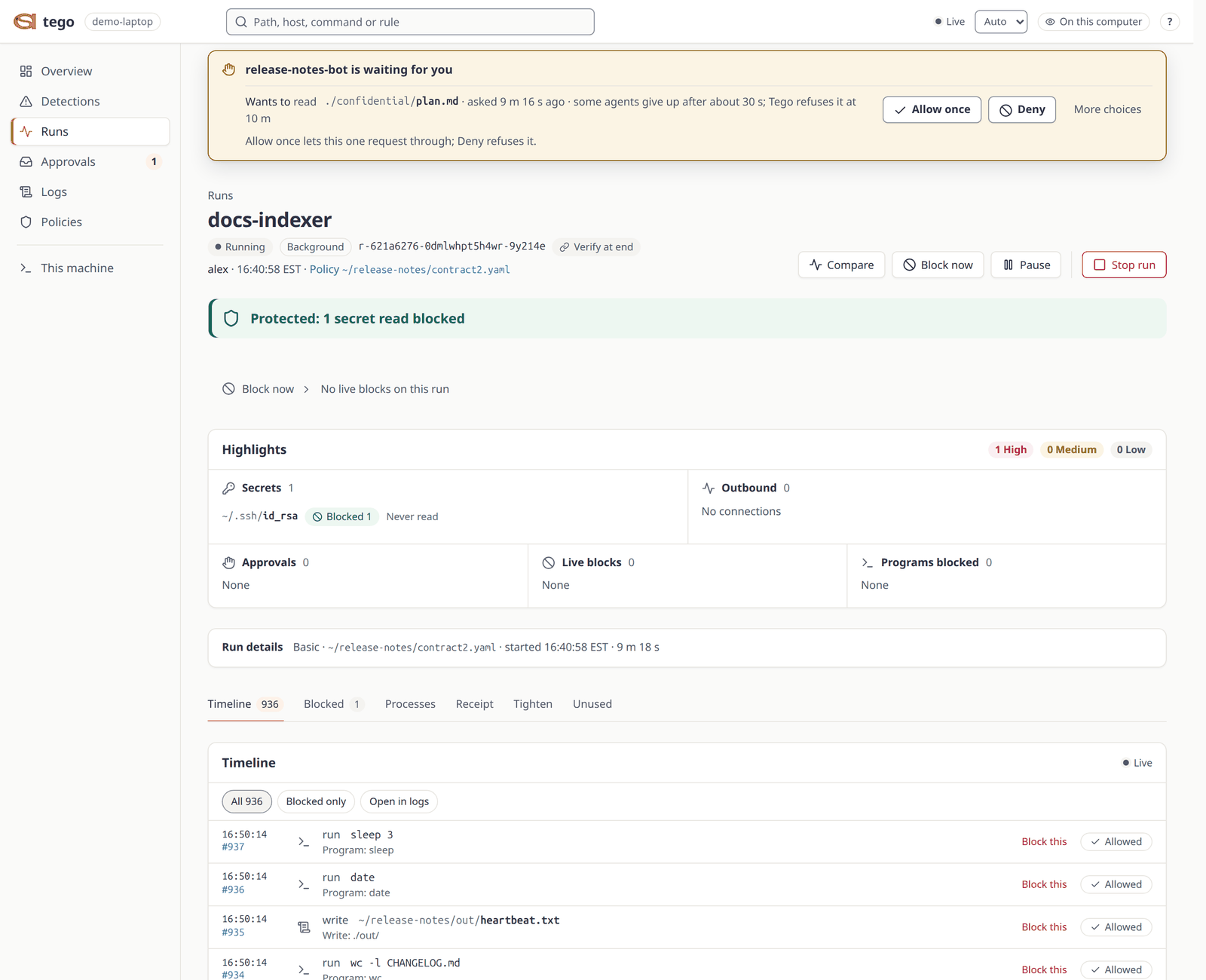
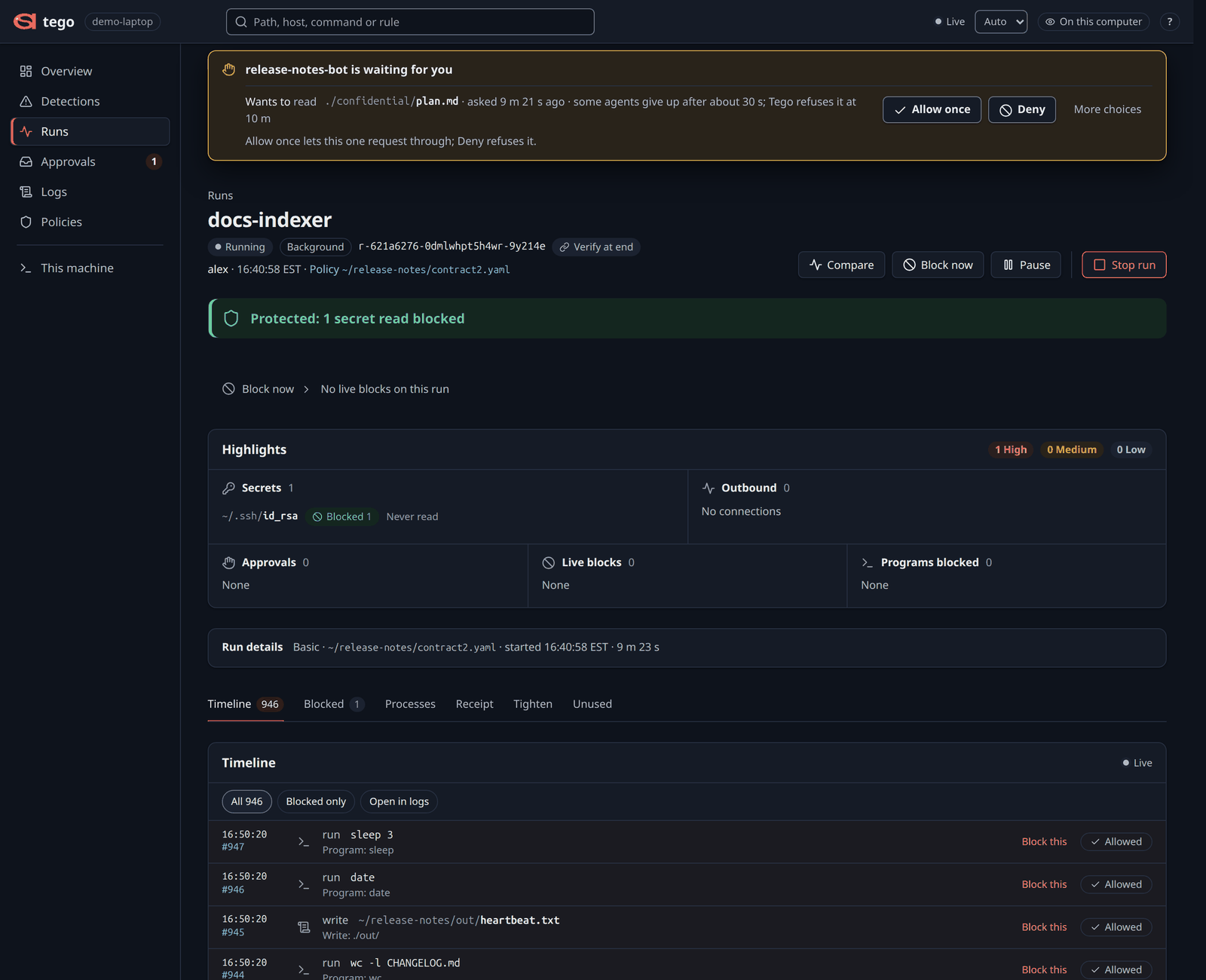
When a contract's ask rule holds a file or a connection, the request waits on Approvals and the Overview says something needs you. Each card says what the agent asked for, the rule that asked, and how long the agent waits. Choose:
- Allow once: this request goes ahead.
- Deny: this request is refused.
- Under More choices, Allow for this run or Deny for this run: the answer stands for later requests for the same action and target until the run ends. The contract file does not change.
Nobody answering before the contract's ask.timeout is a refusal. To turn an answer into a rule, open the request's line: after a Deny, Never allow makes the next run refuse it without asking. The dashboard previews the change and applies it from the next run. Write rules shows how to write ask rules.
The same answers from a terminal:
tego ask
tego approve <run> <ask_id>
tego deny <run> <ask_id> --alwaysStop a run
A live run's page has three buttons:
- Stop run ends the run, within 10 seconds by default.
- Pause freezes the agent until you resume it.
- Block now refuses a program, a destination, or a file or folder from the next action on. The contract file does not change.
From a terminal:
tego stop <run>
tego pause <run>
tego resume <run>
tego block <run> exec /usr/bin/curl
tego block takes exec, net, path, read or write, then a value, and optionally --for a duration or --until a time.
Open it from a VM or another machine
The dashboard listens on loopback only, so forward the same port over SSH and open the printed link in your local browser. A different local port is refused.
From your machine, then start tego serve in that session:
ssh -L 8484:127.0.0.1:8484 <host>Start tego serve in the Lima VM, then in another terminal on your Mac:
ssh -F ~/.lima/tego/ssh.config -N -L 8484:127.0.0.1:8484 lima-tegoInstall covers the VM.
Start tego serve inside WSL and open the printed link. A Windows browser may be refused, because WSL forwards the port through a process the dashboard does not trust. Install has more.
If you can't reach it, tego receipt <run> and tego events <run> read the same record in the terminal. Each run page says whether its record checks out; how the record is verified is on the blog.
Runs started with sudo (protection levels 2 and 3) appear once they end; until then, sudo "$(command -v tego)" status shows them. Who can reach the dashboard, and what it trusts, is on Security and limits.
Source: docs/DASHBOARD.md.